Upload/Face detection in progress...
Click on ‘Start a Webcam‘ and then click on ‘Allow Webcam‘. Make sure your face is in the middle of the screen and you are looking straight ahead. Then click on ‘Take a Picture‘.

Top tip: Face the window in a daylight and take a picture of yourself. This way you achieve the best results for your portrait picture.
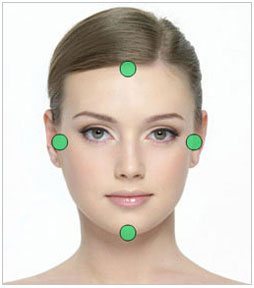
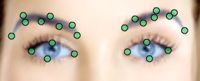
Adjust the iris size and move the blue circles to correct position
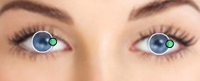
Adjust Iris Size
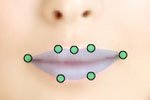
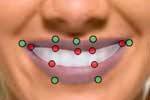
Is your mouth open?
If open mouth - select yes and cover the whole teeth area.
Upload my photo
Just click on Upload Your Photo and browse your computer, USB key etc.
Upload my photo
Select a Model


Upload my photo
Just click on Upload Your Photo and browse your computer, USB key etc.
Select a Model


Adjust your eye shadows with the green dots.
Adjust your blush with green dots.
Adjust your brows with green dots.